Knowledge base Talking to people
Private messages
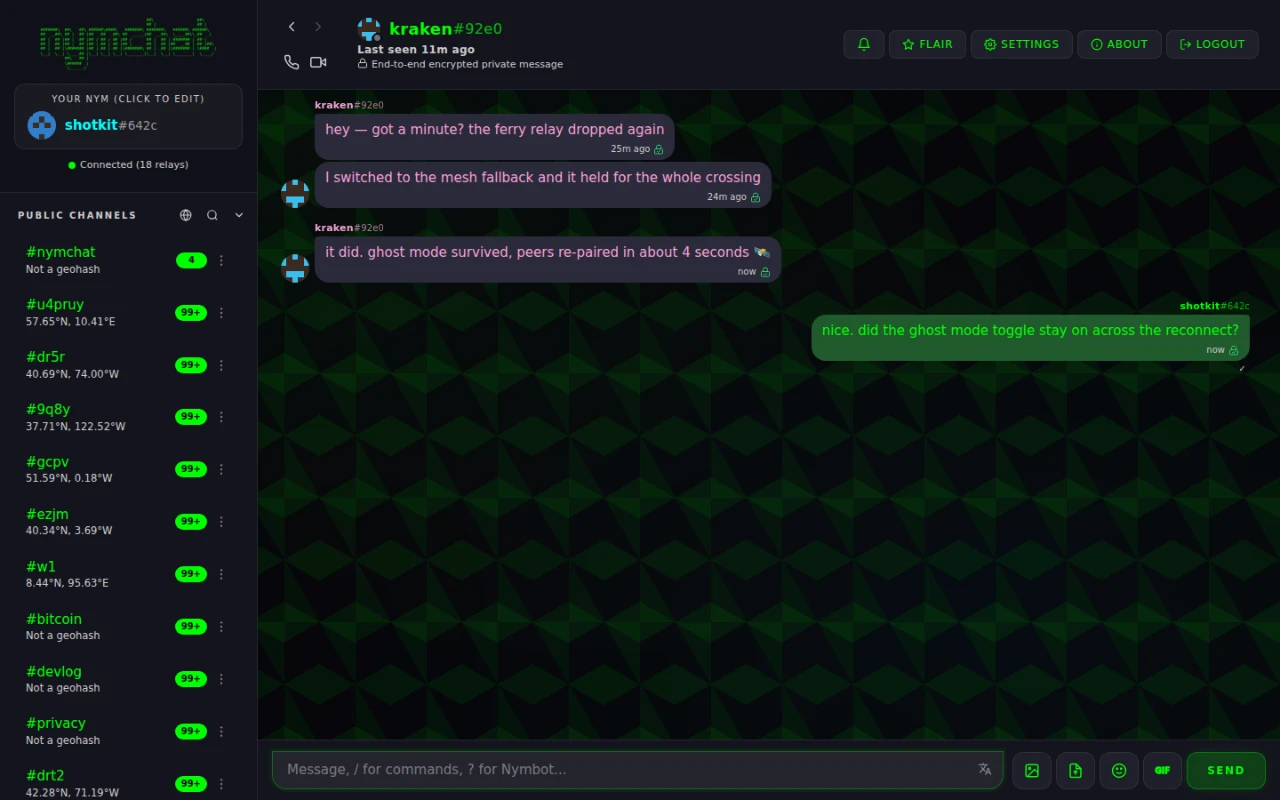
One-to-one conversations that no relay can read, addressed to keys that exist only for a single message.
Starting a private message
Three ways:
/pm nym, or/pm nym#a1b2when two people have picked the same name;- Private Message from anyone's context menu, reached by long-pressing or right-clicking one of their messages;
- the small + beside the Private Messages section in the sidebar, which takes a
nym or an
npub.
Who is allowed to start one with you is up to you. Accept Private Messages & Group Chat Requests, under Settings › Privacy & Security, is Enabled by default and can be narrowed to Friends only or turned off entirely.
How private messages work
Nymchat implements NIP-17 private direct messages, sealed inside NIP-59 gift wraps. Your message goes through three layers on the way out:
- a rumor (
kind 14) — the text and its metadata, never signed, so it can never be proven to be yours by anyone who has not decrypted it; - a seal (
kind 13) — the rumor encrypted to the recipient and signed by you; - a gift wrap (
kind 1059) — the seal encrypted again, signed by a one-time key generated for this message alone.
What a relay sees, therefore, is an event from a pubkey that has never appeared before and never will again, addressed to the recipient, with opaque content. Not your key. Not the message. Not even a consistent sender to correlate.
The wrap's timestamp is deliberately wrong, too: it is backdated by a random amount of up to two hours, drawn from a cryptographic RNG. Without that, an observer could line up "wrap sent at 14:03:11" with "wrap delivered at 14:03:11" and rebuild who is talking to whom from timing alone.
The recipient's public key is in the clear — it has to be, or they could not find the message. So a relay can see that somebody sent something to that key, and roughly how often. It cannot see who, when exactly, or what.
Quantum resistance
The encryption above relies on an elliptic-curve key exchange that a sufficiently powerful quantum computer could break — and an adversary can record traffic today to decrypt once one exists. Between Nymchat users, Nymchat can add a second, post-quantum key exchange (ML-KEM-768) alongside the standard one, so both would have to be broken to read a message.
This is automatic between Nymchat users and has no setting. Messages sent that way show a shield beside the padlock; ones without the second exchange show the same shield struck through, so you can always tell which you are looking at. Peers who do not support it, including Bitchat and other Nostr clients, keep receiving standard NIP-17. See reading the badge for all three states, and quantum-resistant encryption for what it does and does not cover.
Forward secrecy
One clarification before the setting, because the name promises more than it delivers.
Cryptographic forward secrecy means a stolen key cannot open messages sent before it was
stolen, and Nymchat does not have that: NIP-44 derives its key from your long-term
nsec, and the
post-quantum layer from a long-term key of its own.
What the setting below does is ask relays to delete the message later, which limits how long
a copy exists to be stolen at all.
Disappearing PM (forward secrecy), under
Settings › Privacy & Security, is off by default. Turning it
on adds a NIP-40 expiration tag to each outgoing gift wrap, which asks relays and
clients to delete the message after the period you choose.
It is a request, and worth being clear about what that means: a relay that honors it drops the event, and a relay that does not, does not. It reduces how long a copy sits on infrastructure you do not control. It cannot un-send a message to someone who has already received it.
Disappearing messages
Disappear After sets the expiry period, and only applies while forward secrecy is on:
| Option | |
|---|---|
| 1 hour | |
| 6 hours | |
| 1 day | Default |
| 3 days | |
| 7 days |
Separately, Cache PMs & Group Chats On Device decides whether decrypted conversations are kept locally. It is on by default, so conversations appear instantly at launch. Turn it off and nothing decrypted is written to disk — messages are fetched and decrypted afresh each time, which is slower and means anything the relays have already dropped is gone for you too.